
This article contains affiliate links.
I’ve built one or two computers for myself over the years. While I’ve generally gotten through them with a working machine that runs really well, it’s sometimes necessary to have one of my more tech-savvy friends around either during or after the build in case there’s something I’ve missed. Building a computer is a fun, relatively inexpensive way to get a decent desktop PC that you can hopefully upgrade and keep around for a number of years, but if you don’t regularly do it, the process can get a little intimidating as benchmark standards, component ratings, and so forth shift and change.
For example, I’ve at least twice built myself a desktop PC. It’s been a few years for me, and when I went to look into the process of doing it this time, I nearly tossed my hands up in frustration and considered looking at pre-built computers.
Fortunately, I have a number of friends who either immerse themselves in this kind of thing or who once did, and they pulled me back from the brink. “You want better performance for your buck!” “That thing’ll be obsolete in 3 years, tops!” “Come on, you can basically futureproof this thing with enough ports and space!” These were some of the sentiments I got, and when paired with my memory of can-do computer making, they were enough to convince me to come back to the world of building one.
One of my more enterprising friends came to me with a build that looks like it should significantly upgrade my desktop PC capabilities, and put together a list of components I’ve been fortunate to get relatively quickly. Now that they’re all here, my friend and I are going to assemble them into what will hopefully be a machine I’ll be able to hold on to for a very long time.
I’m a gamer, streamer, and content creator, and while my current computer’s done me decently for the last few years, its age is becoming apparent. So, in order to hopefully make things go smoother and faster, I’ll be putting together a PC with these parts:
Case: Corsair 4000D Airflow Tempered Glass Mid-Tower ATX PC Case – Black
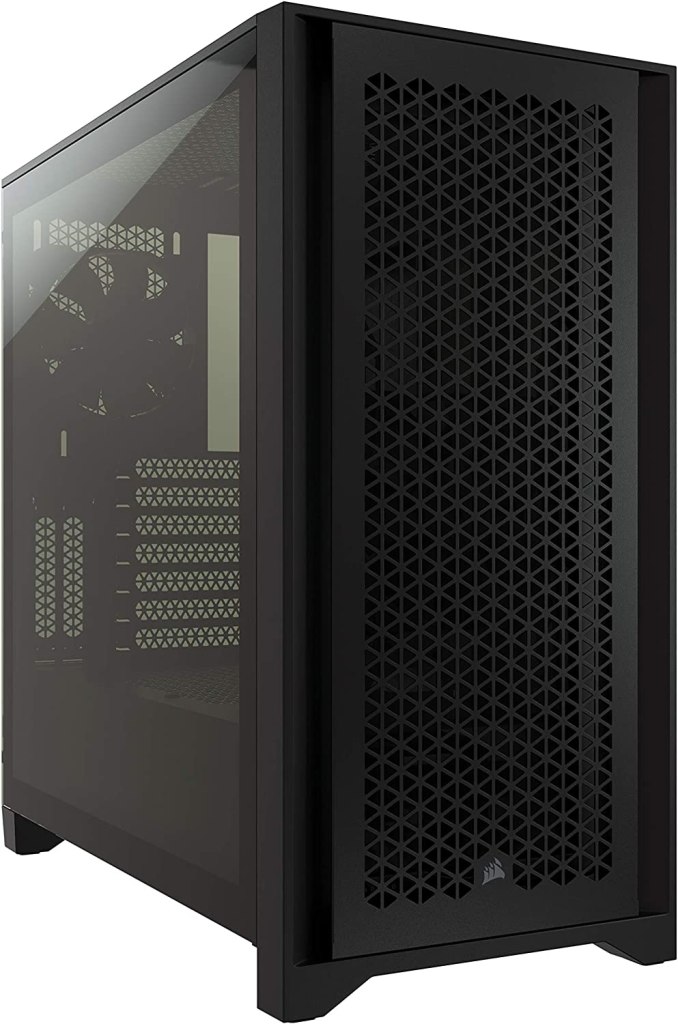
If the size of the box is any indication, this tower is going to be HUGE! I don’t do a lot of research into computer chassis brands and manufacturers, but I’ve at least heard of Corsair, and I have a positive enough recollection to realize I should be getting a decent house for my machine’s inner workings. My friend is big on cable management, and this allows plenty of space for the components, as well as room to work in to keep all the cables untangled. It’s also got room for a large number of USB ports, which is something I’ll definitely need and appreciate for all my gaming, content creation, and productivity peripherals.
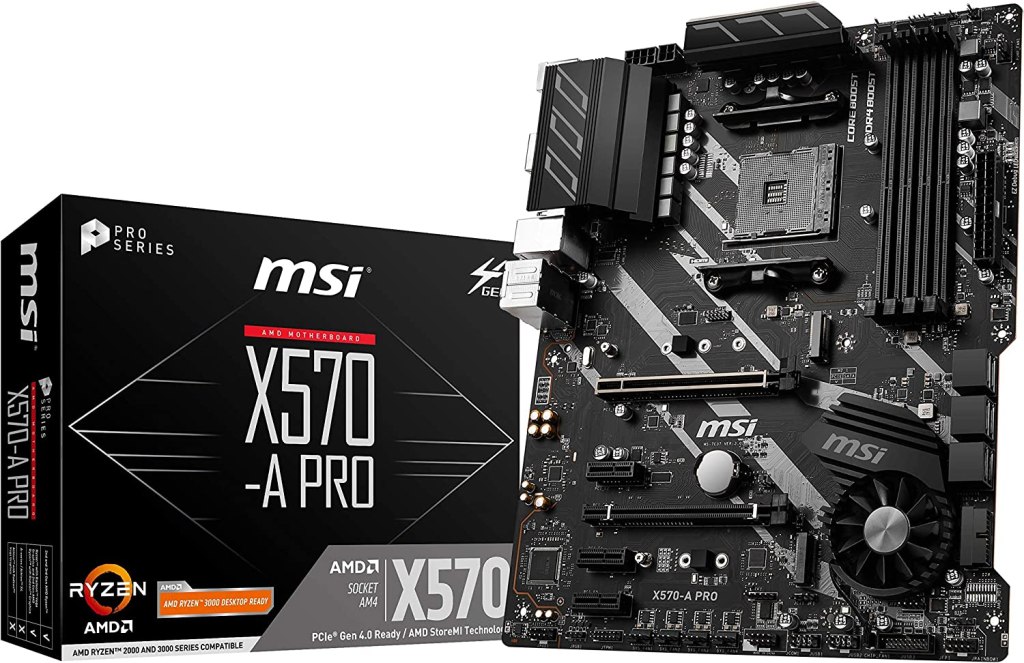
Motherboard: MSI X570-A Pro
Speaking of extra USB ports, this particular model has at least seven of them. That’s a lot of back-facing accessibility, which I’ve come to hear is important for certain apps and processes actually “seeing” and interacting with them. Aside from making sure it (1) fits well with the case, and (2) is compatible with the processor, the ports, inputs, and ability to keep everything cool and working well together are good reasons for making sure you choose a motherboard that can give you the flexibility and duration to help you make a PC that can last a long time.
Processor: AMD Ryzen 7 5700G 8-Core, 16-Thread with Radeon Graphics

The last time I built a computer, when it came down to the processor, one of the bigger metrics to determine speed was megahertz, gigahertz, etc. Cores were just becoming a marketable unit of measurement. Now, it looks like hertz speeds are all but irrelevant, and cores, threads, and processor generation and series numbers seem to be the more important measures of a good CPU. With that in mind, I bought my first AMD Ryzen at the suggestion of my friend, and he assures me this model will be more than adequate for my particular needs for a good long while. It also my have helped that there was a substantial price drop at the time I grabbed it.
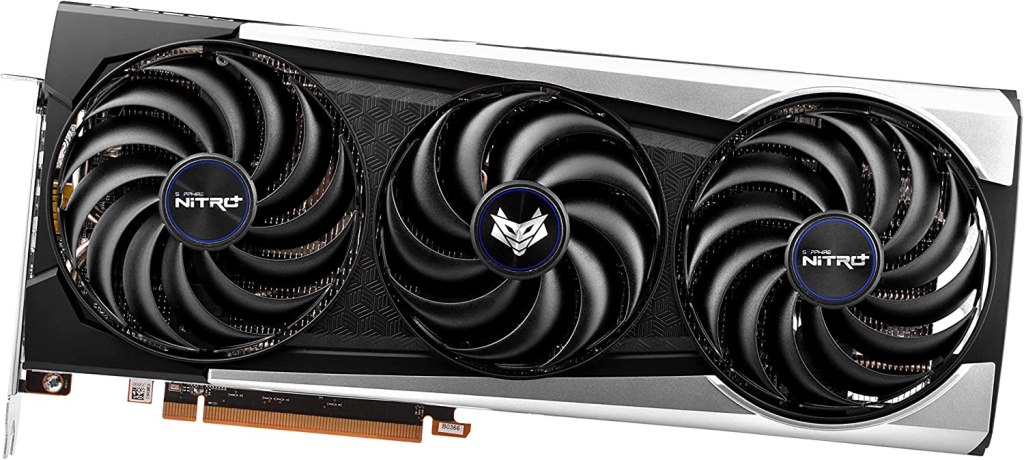
Graphics Card: Sapphire Radeon RX 6700 XT 12GB Nitro
The graphics card is usually the biggest technological, and financial, piece of a power PC, and this acquisition was no exception. With my friend’s knowledge of benchmarks and overall price points for GPUs, we were able to find a pretty nice price on a card that is leaps and bounds ahead of the one in my current PC. While it’s still a big bite out the build budget, I’m optimistic this graphics card will keep me gaming and editing videos nice and smoothly.
SSD: TEAMGROUP T-Force CARDEA Zero Z44L 1TB Gaming Internal SSD
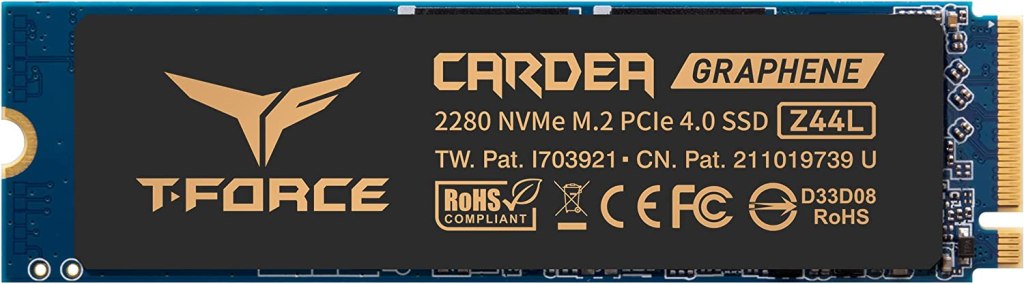
The SSD used to be known as the internal hard drive, but I’m happy to see that solid state drives are supplanting the older, slower, magnetically vulnerable spinning drives that acted as the mass vault of memory for a computer’s files and programs. They’re now faster, more durable, and overall, simply more reliable. I’m certain this acquisition will do a fine job of keeping and storing the bulk of my computer’s data.
RAM: TEAMGROUP T-Force Vulcan Z DDR4 32GB 3200MHz Desktop Memory
Ah, RAM, that good ol’ random access memory. It’s been around forever, and it’s probably not going anywhere for a while. RAM is another form of memory for your computer, but where your main drive holds EVERYTHING, your RAM keeps record of all the tasks and data you’re using frequently. More is better in computing, so the more RAM you have, the more it’ll help you. I’m not sure I’ve ever had 32 gigabytes of RAM on hand before, but I imagine this amount will help my processor and GPU keep things smooth and cool.
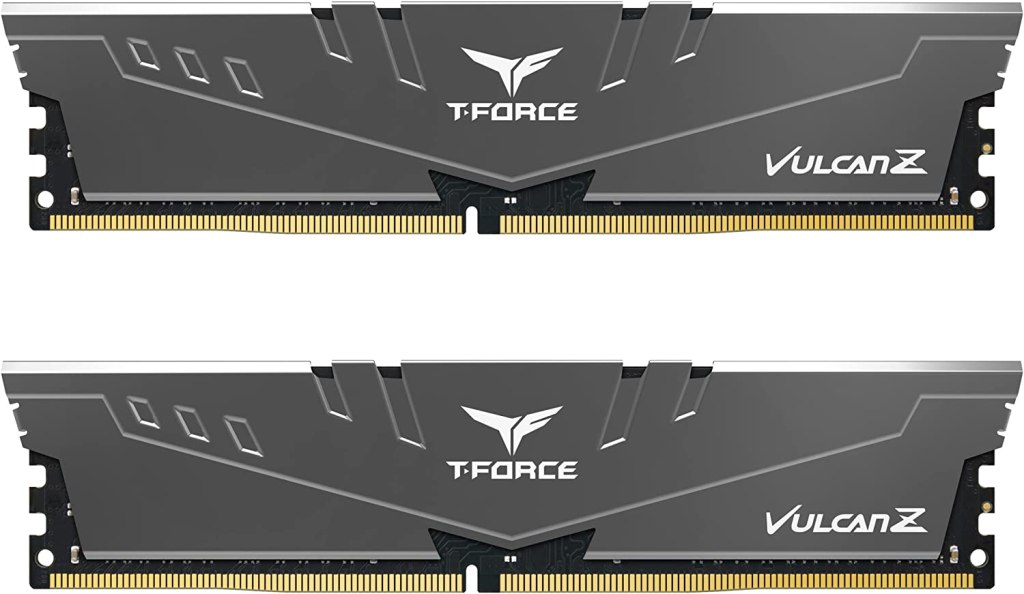
Power Supply: Rosewill SMG650 80 Plus 650W Fully Modular Power Supply
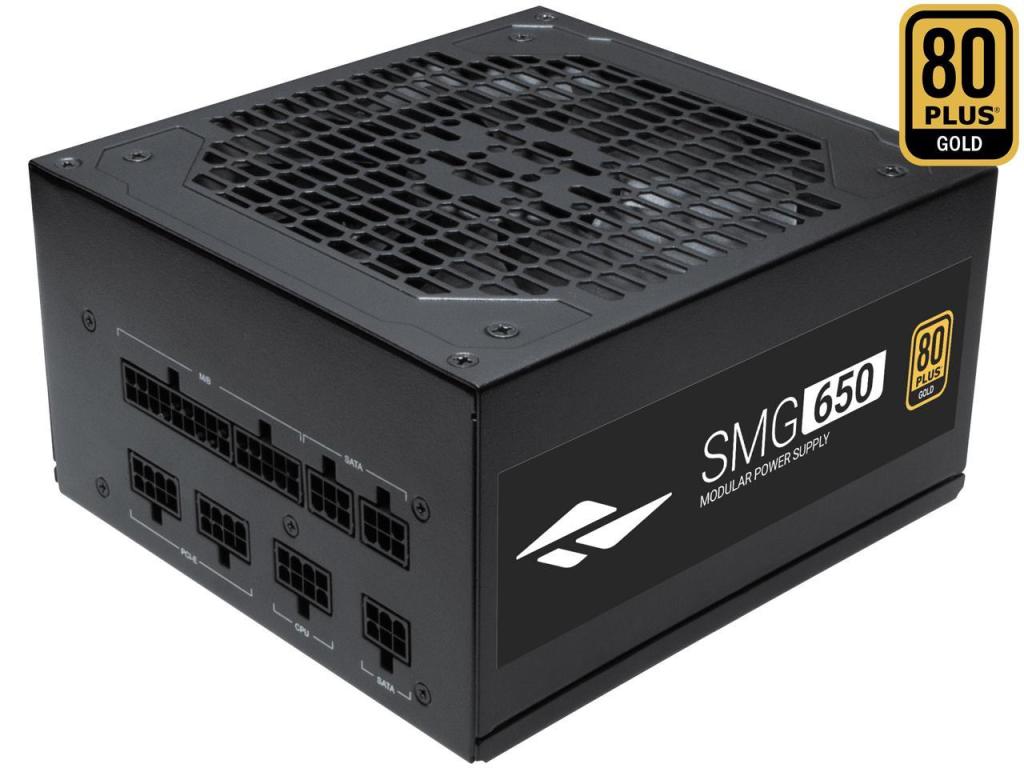
We’ll of course need to keep all these components powered! And not just powered, but making sure that each of them receives enough power that they can all function smoothly. While the model I’m using (pictured) doesn’t seem to be in stock as of this writing, I’ve linked to a power supply from the same manufacturer with similar numbers and price point as the one I’m using. I can’t guarantee it’ll be compatible with everything else here, so please do your research before you buy! With that said, I would imagine as long as it provides the wattage you need and you have the appropriate adapter, power supplies should be among the easiest components to switch out in a PC build.
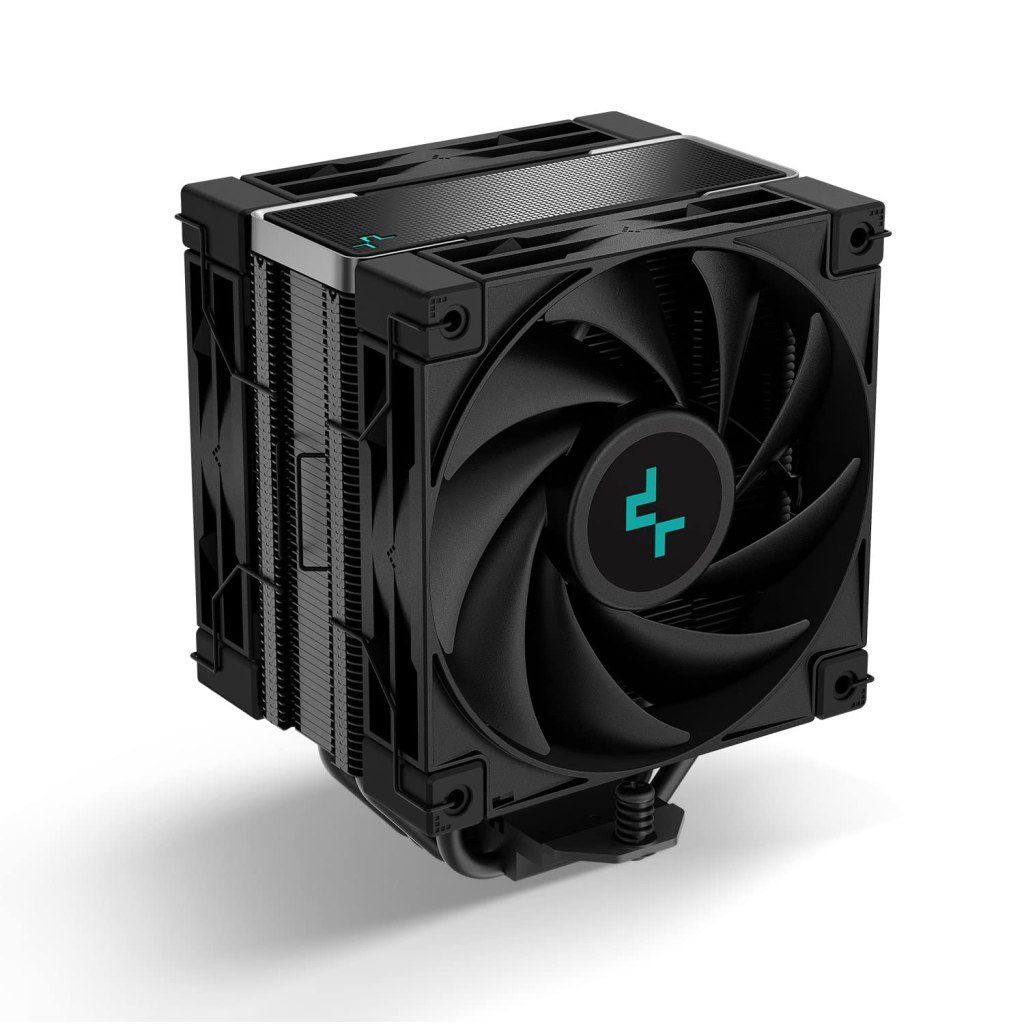
Cooler: DeepCool AK400 ZERO DARK PLUS CPU Air Cooler
I’m going to be honest and say I don’t remember buying a cooler specifically for any of my previous builds. It’s possible I did and simply forgot, or I just didn’t need them for my previous computers. In any case, with the amount of hardware I’m running, and the amount of high intensity work I know they’ll be doing, it’s perfectly plausible that some extra help may be necessary in addition to anything the motherboard can provide. I’ll be happy if this cooler can keep my computer plugging along without overheating, and doesn’t get noticeably loud while it’s doing so.
Each of these components looks promising, and my friend and I will be getting together soon to get my new computer up and running. Keep an eye out for the livestream, which should happen this week! I’ll leave a link once the event happens.
 Spidey Librarian